Best Laptops for Remote Work in 2026
Choose a remote-work laptop by video-call quality, software compatibility, ports, keyboard comfort, security, and the difference between desk and travel work.
A remote-work laptop is a communications tool before it is a benchmark. A fast processor cannot rescue a poor camera angle, unstable wireless connection, uncomfortable keyboard, or a USB-C port that will not drive the required monitors.
Quick verdict: choose a current 14-inch business or premium ultraportable with 16GB RAM, 512GB storage, a 1080p-class camera, Wi-Fi 6E or better, and a documented USB-C/Thunderbolt/USB4 docking path. MacBook Air M5 is a strong fanless option for macOS-compatible teams; current ThinkPad T/X, HP EliteBook, Dell Pro/XPS, and ASUS ExpertBook/Zenbook families offer Windows choices. Always verify the exact SKU.
Match the laptop to where “remote” happens
| Work pattern | Best product type | Priority | Wrong compromise |
|---|---|---|---|
| Mostly one desk | Serviceable business laptop | Ports, Ethernet/dock support, warranty | Paying heavily for minimum weight |
| Home and coworking | 14-inch ultraportable | Low total carry weight, USB-C charging | Too few ports without a tested dock |
| Frequent video calls | Business laptop with 1080p+ camera | Camera, microphones, quiet mode | Assuming resolution guarantees quality |
| Media or engineering | Mobile workstation/creator laptop | Application-certified hardware, 32GB+ | Thin chassis with weak sustained cooling |
| Cloud/browser work | Chromebook Plus or efficient Windows/macOS laptop | Security policy and management support | Discovering a required desktop app later |
The remote-work checks that specifications often hide
Camera and audio
A “1080p webcam” label describes pixel count, not exposure, skin tones, focus, microphone rejection, or behavior in dim light. Use a credible review of the exact model, then make a test call during the return period. Position matters too: a modest external webcam at eye level can look better than an excellent built-in camera pointing upward from a low desk.
Docking and displays
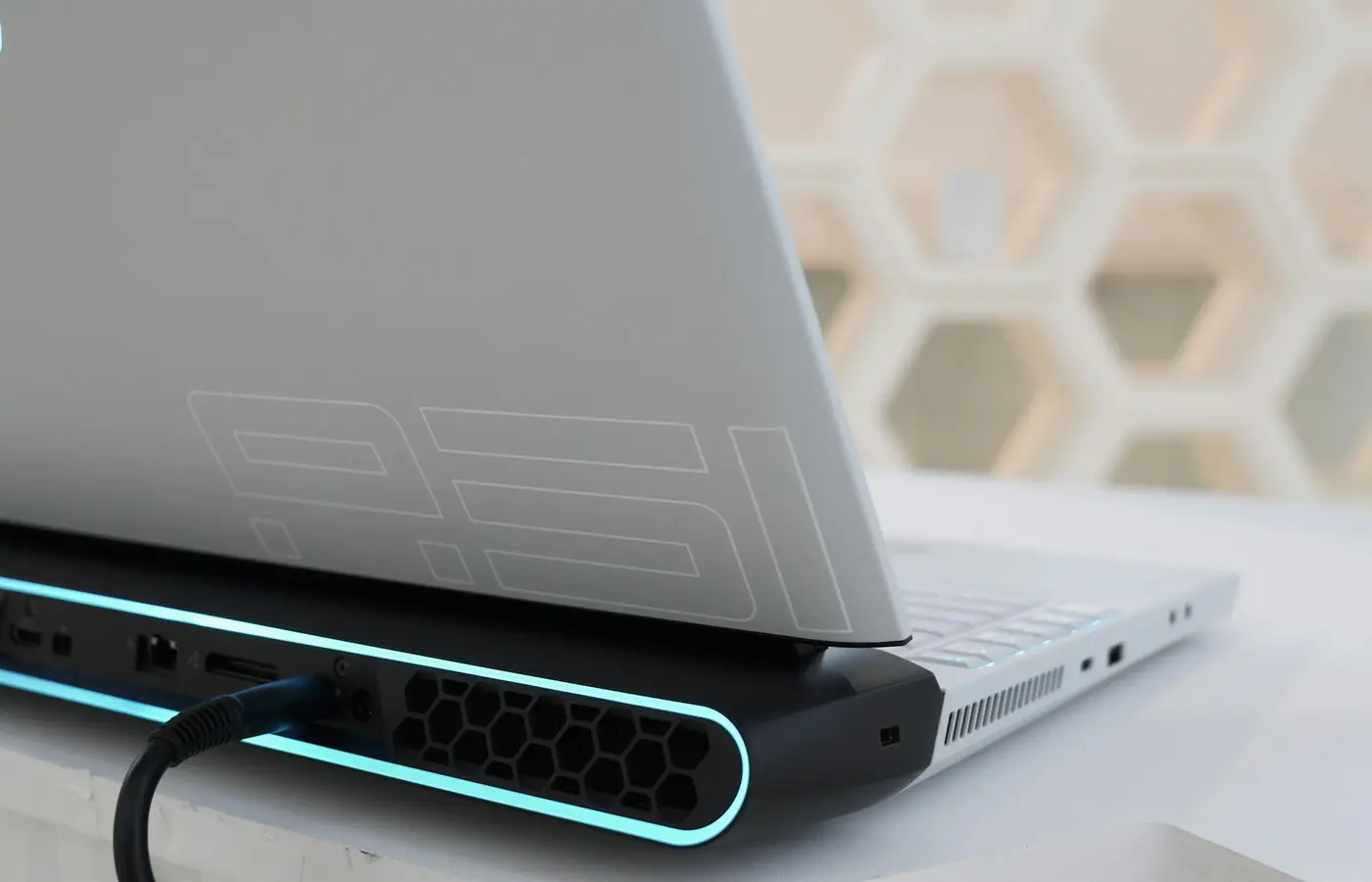
List every monitor by resolution, refresh rate, and connector. Then check the laptop and dock documentation for that exact combination. USB-C may carry data only, data plus DisplayPort, Thunderbolt, USB4, charging, or some subset. A cable that looks correct can still lack the required bandwidth or power rating.
If two external displays are mandatory, verify support with the laptop lid open and closed. Do not transfer a claim from another processor generation or operating system.
Keyboard, touchpad, and fan behavior
These are daily productivity features. Test the keyboard with a full page of typing, not a minute in a store. Check whether the touchpad produces accidental clicks and whether the fan cycles during video calls. Our loud laptop fan troubleshooting guide helps distinguish normal load from a software or airflow problem.
Memory and platform compatibility
Sixteen gigabytes is the baseline for browser tabs, Office, messaging, video calls, VPN, and endpoint security together. Choose 32GB for large creative projects, local containers, virtual machines, or data work. See 16GB versus 32GB RAM for a workload test.
Before buying Windows on Arm, ask IT about VPN, security agents, printer drivers, browser extensions, and specialist desktop software. Before buying a Mac, confirm required Windows applications and corporate management support. The correct platform is the one the employer can secure and support.
Security and ownership questions
- Does the employer require Windows Pro features, a hardware security key, smart-card reader, or specific biometric sign-in?
- Can IT service the laptop remotely and obtain parts locally?
- Is the device company-owned, and who pays for accidental damage?
- Does the warranty include on-site service or only mail-in repair?
- Are personal and work data separated according to company policy?
Do not pay for an NPU solely because “AI PC” appears on the box. Microsoft’s current Copilot+ PC definition requires a compatible 40+ TOPS NPU, 16GB RAM, and 256GB storage, but usefulness still depends on supported features and company policy. Our Intel Core Ultra versus AMD Ryzen AI guide focuses on complete systems rather than TOPS alone.
A practical checkout checklist
- Confirm the exact CPU platform, RAM, SSD, screen, camera, wireless card, and keyboard region.
- Map required monitors and peripherals to ports and a documented dock.
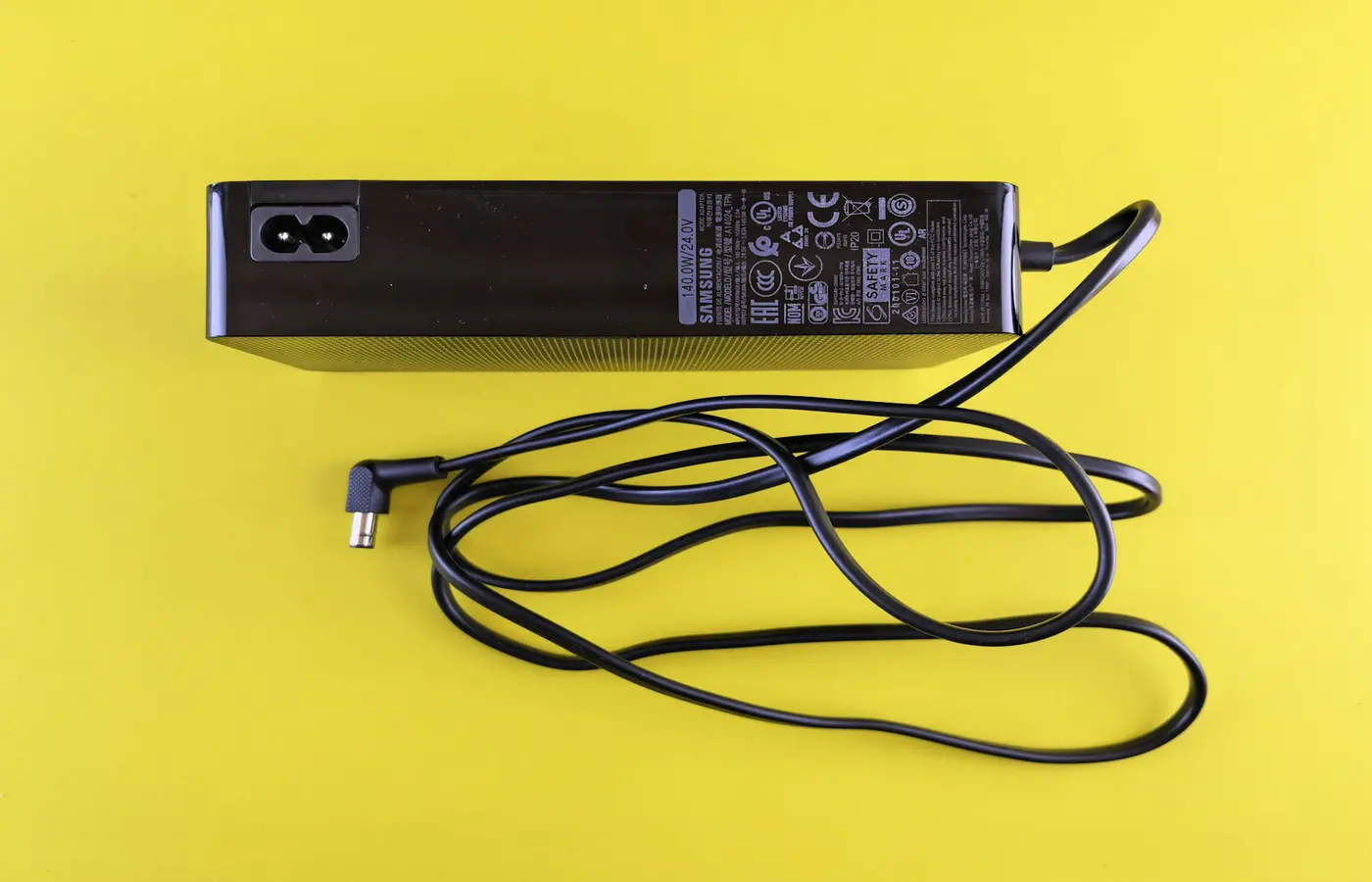
- Count laptop, charger, adapters, and dock in travel weight.
- Check whether either side can accept charging; this matters in shared workspaces.
- Verify warranty response where the laptop will actually be used.
- During the return window, run a real call, VPN, peripherals, and a normal workday.
Battery marketing is not a personal runtime guarantee. Use the battery-life improvement guide to control display and background load, and compare independent battery results only when brightness, workload, power mode, and configuration are disclosed.
Final recommendation
For ordinary remote work, buy a 14-inch 16GB/512GB business ultraportable with a documented dock path and supportable operating system. Choose MacBook Air M5 for fanless macOS work; choose a Windows business family when corporate tools, ports, or serviceability demand it. Skip both in favor of a mobile workstation when the application vendor requires a discrete GPU or more memory, and skip a premium laptop if an inexpensive desktop setup plus a basic travel machine better matches the job.
Frequently asked questions
Is 16GB RAM enough for remote work?
Usually, yes. Move to 32GB for local virtual machines, containers, large creative files, or unusually heavy browser and data workflows—not merely because the laptop cannot be upgraded.
Do I need Wi-Fi 7 for working from home?
No. A stable Wi-Fi 6/6E connection can be entirely adequate. Wi-Fi 7 needs compatible network equipment and is more valuable for crowded local networks and fast local transfers than for an internet plan that is already the bottleneck.
Should I buy a laptop with a discrete GPU?
Only when required applications use it. A discrete GPU adds performance for supported rendering, engineering, and media work, but usually increases cost, heat, power demand, and charger size.