Intel Core Ultra vs AMD Ryzen AI: Which Laptop Platform Fits?
Compare current Intel Core Ultra and AMD Ryzen AI laptops by exact processor generation, graphics, NPU support, ports, memory, and complete-system design.
Verdict: neither Intel Core Ultra nor AMD Ryzen AI wins every laptop. For a Copilot+ ultraportable, compare current Intel Core Ultra 200V/300V and AMD Ryzen AI 300/400 systems at the same weight and price. For performance laptops, compare the exact H/HX-class chips and cooling. The brand label is less predictive than the specific processor and chassis.
| Decision | Favor Intel when… | Favor AMD when… |
|---|---|---|
| Business deployment | Your fleet tools and required features are validated on the exact Intel model | Your fleet validates the AMD model and its security/manageability stack |
| Integrated graphics | The tested laptop/configuration performs better in your apps | Radeon integrated graphics and drivers fit your apps better |
| Media workflow | Quick Sync support is important and verified | Your editor benefits from the tested CPU/GPU balance |
| Local NPU features | Required feature supports that Intel NPU | Required feature supports AMD XDNA NPU |
| Battery | Same-model independent test favors Intel | Same-model independent test favors AMD |
Microsoft’s current Copilot+ PC requirements identify compatible 40+ TOPS NPUs, 16GB RAM, and 256GB storage, including AMD Ryzen AI and Intel Core Ultra families. That qualification enables a class of Windows features; it does not prove that an application you use runs on the NPU or that one laptop lasts longer.
Decode the exact processor name
“Core Ultra” and “Ryzen AI” are umbrellas. Record the complete chip—such as Core Ultra 7 258V or Ryzen AI 9 HX 370—then check its official product page. Core count, graphics, memory design, NPU generation, and intended power class differ within each brand.
AMD documents Ryzen AI 300 parts with Zen 5 CPU cores, RDNA 3.5 integrated graphics, and XDNA 2 NPUs. Intel documents Core Ultra 200V as a low-power mobile family with integrated Arc graphics and an NPU. Those architecture facts help narrow a shortlist; only an exact laptop test reveals sustained behavior, surface comfort, fan profile, and usable battery life.
NPU TOPS is a compatibility clue, not a speed ranking
An NPU accelerates supported inference work efficiently. It does not accelerate every “AI” service, and many cloud tools use remote hardware. Before paying for a higher number, identify the feature, confirm its supported processor and software version, and determine whether it runs on CPU, GPU, NPU, or cloud.
If your main local work is 3D rendering, gaming, or a model that uses CUDA, a discrete GPU can matter far more than the NPU. Our 1440p gaming laptop guide explains the GPU-side decision.
Compare complete laptops in this order
- Software and drivers: verify OS, plug-ins, VPN, peripherals, and acceleration support.
- Memory: confirm capacity, speed, channel layout, and whether it is soldered. Use the 16GB versus 32GB guide.
- Cooling and power modes: compare the same mode and workload in a disclosed independent test.
- Display and battery: higher-resolution OLED panels can change runtime independently of the processor.
- Ports and wireless: do not assume Thunderbolt/USB4, display count, or Wi-Fi features from the CPU alone.
- Service and price: compare exact SKUs on the same date.
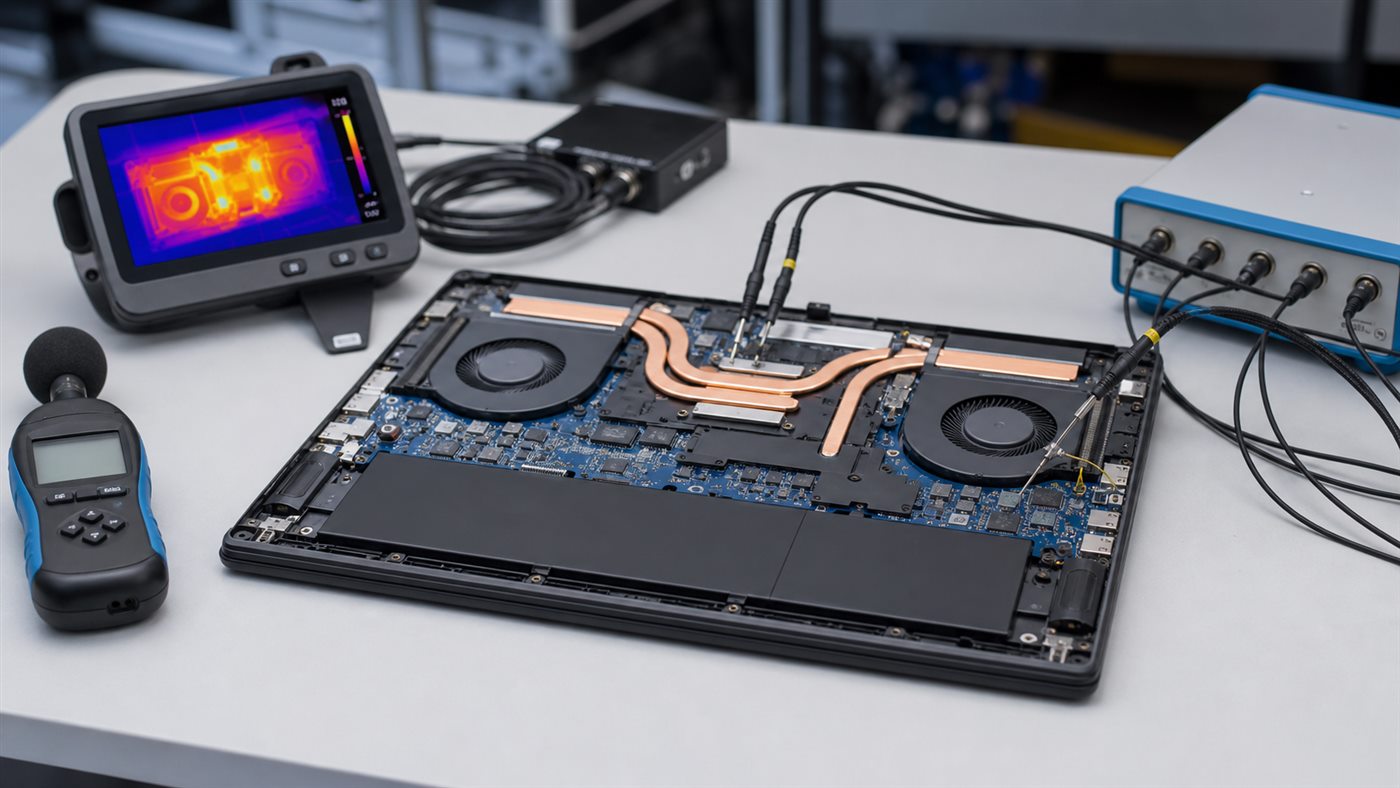
The same processor can appear in a thin laptop tuned for quiet efficiency and a thicker design tuned for sustained speed. Treat cross-laptop benchmark differences as a system result, not pure silicon performance.
Conclusion
Buy Intel when a specific Intel laptop wins on required compatibility, ports, tested behavior, or fleet support. Buy AMD when a specific Ryzen AI laptop offers the stronger workload fit, graphics balance, efficiency, or value. Skip an NPU-driven upgrade when your applications cannot name a feature that uses it; spend on memory, screen, storage, or service instead.
Frequently asked questions
Is Ryzen AI better than Core Ultra for battery life?
There is no brand-wide answer. Battery size, display, firmware, power mode, wireless activity, and chassis design can outweigh platform differences.
Do all Core Ultra and Ryzen AI laptops qualify as Copilot+ PCs?
No. Check Microsoft’s current compatible-processor list and the complete system requirements; older or lower-NPU families may not qualify.
Which is better for gaming without a discrete GPU?
Compare the exact integrated GPU, memory configuration, power limit, and game test. Do not generalize from one flagship chip to an entire brand.