
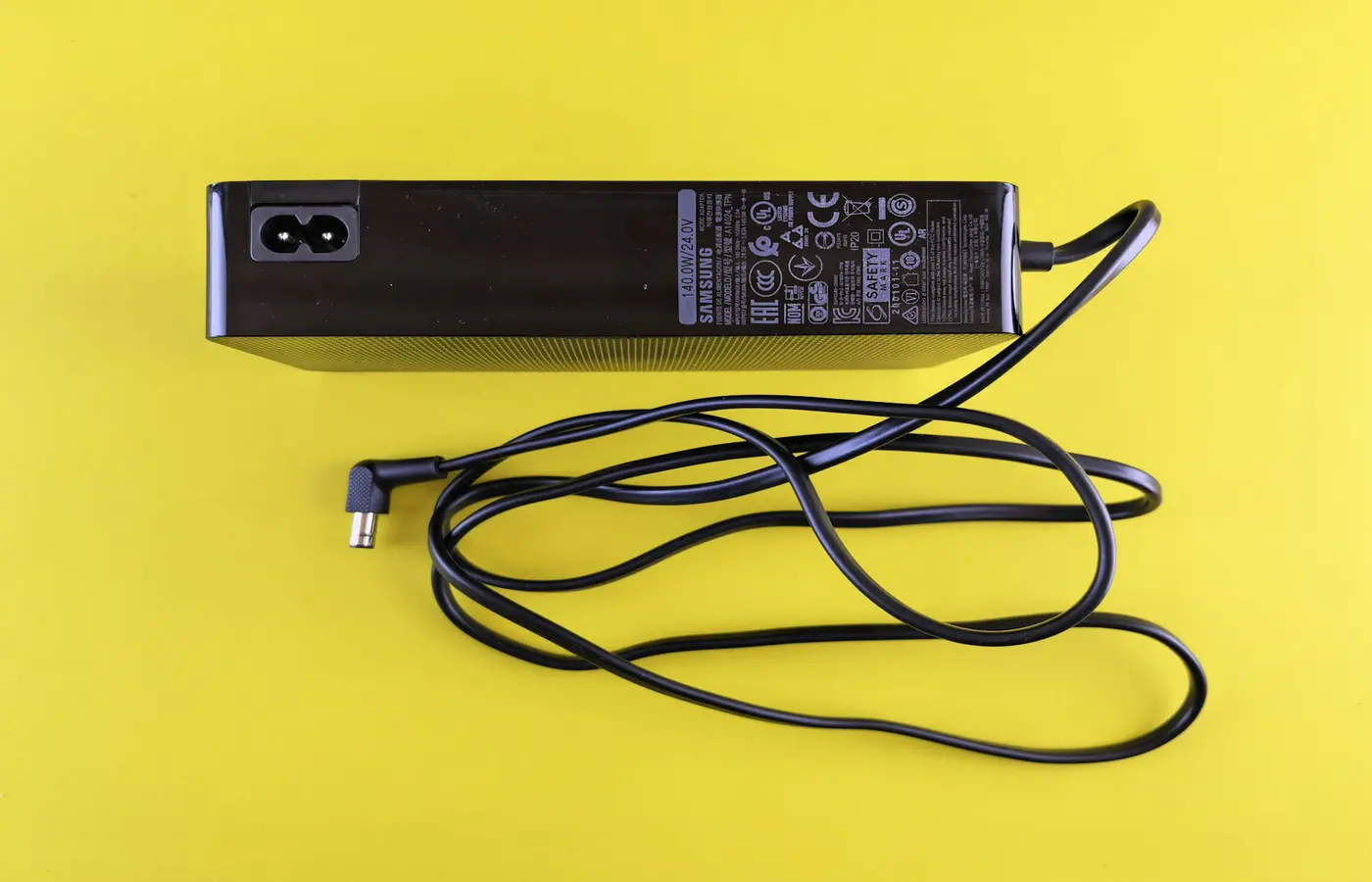
Featured
Laptop Plugged In but Not Charging? Diagnose the Adapter, Battery, and Charge Limits
Work through safe checks for a laptop that is plugged in but not charging, from outlets and USB-C power to charge limits and service.
Practical, careful steps for upgrades, maintenance, and common laptop problems.
Work through safe checks for a laptop that is plugged in but not charging, from outlets and USB-C power to charge limits and service.
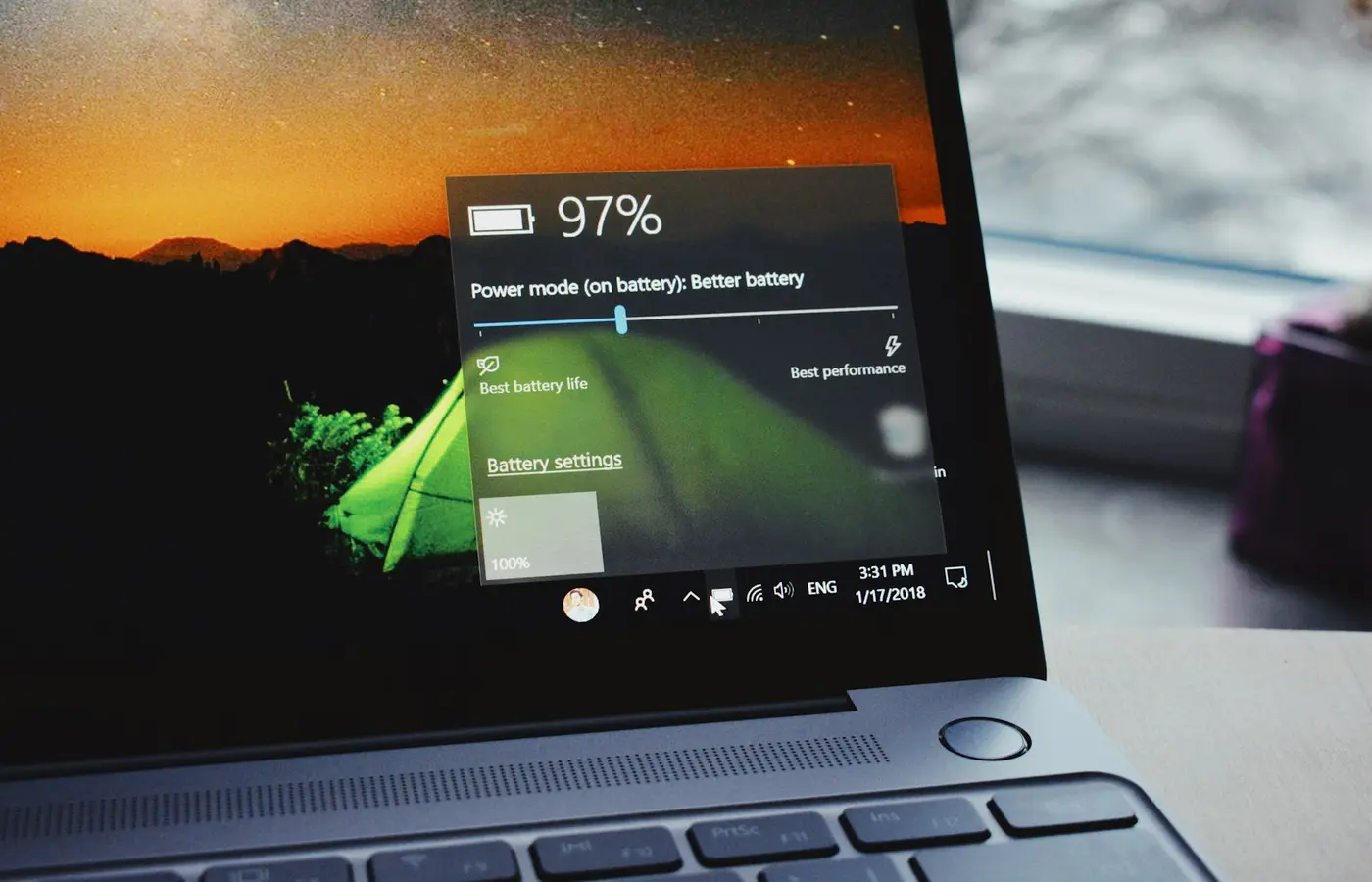 How-To
Windowsのbattery report、メーカー診断、macOSの標準機能でバッテリー状態を確認する手順と、修理相談が必要なサインを解説します。
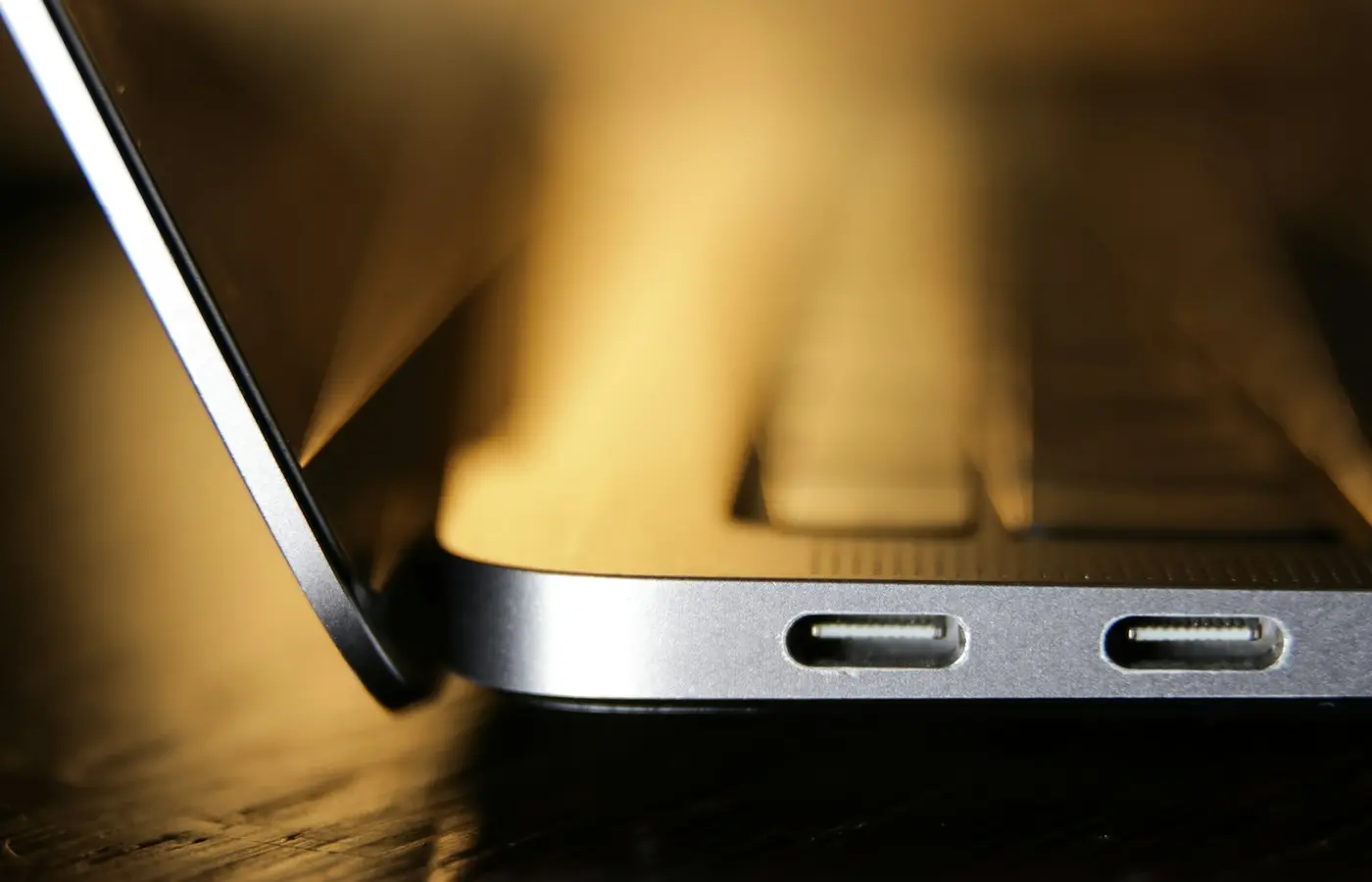 How-To
Learn how to confirm whether your laptop accepts USB-C charging, match a compatible USB Power Delivery charger and cable, and avoid common mistakes.
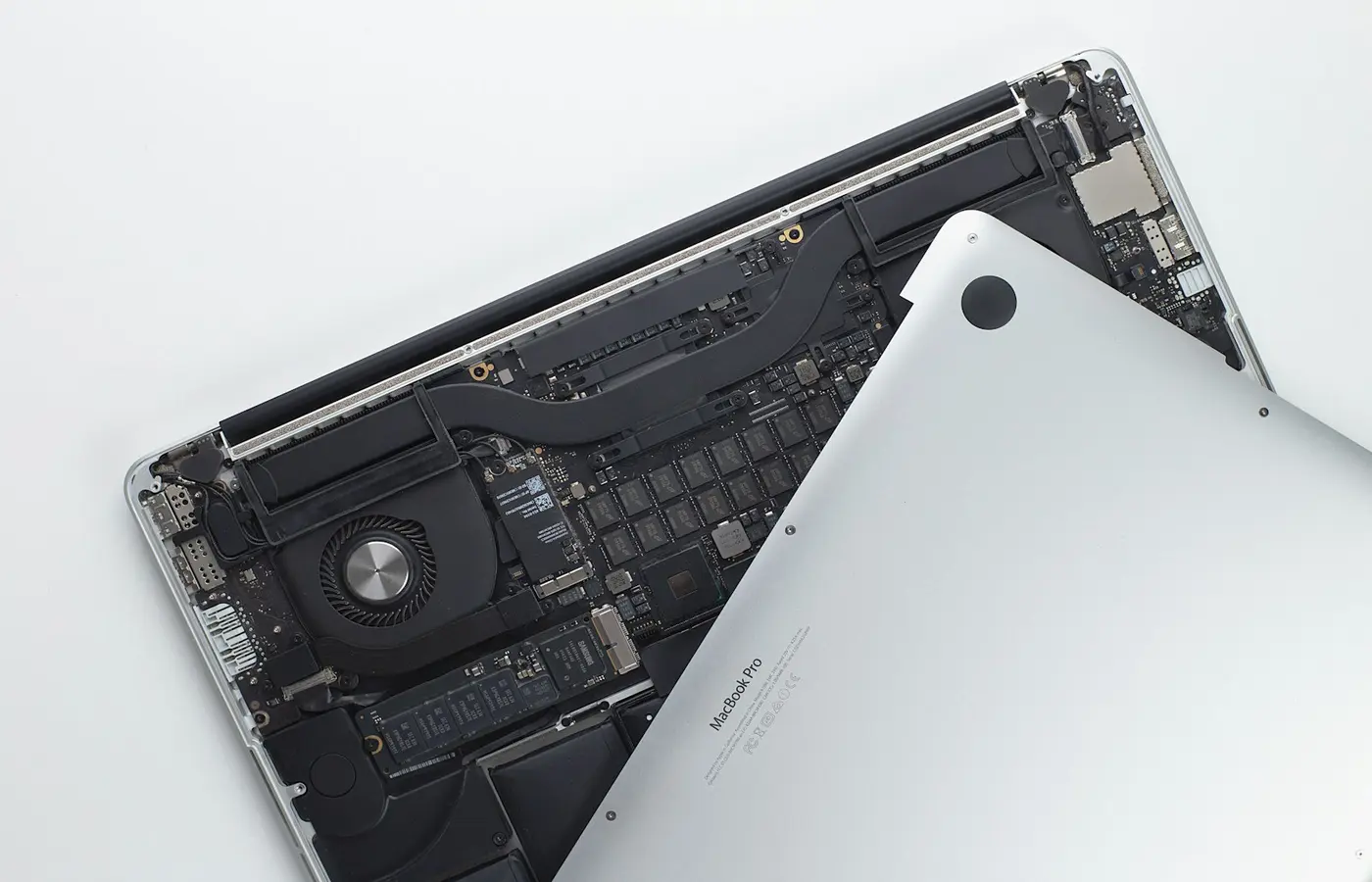 How-To
Learn how to verify laptop SSD upgrade compatibility by checking the exact model, slot type, drive size, service manual, backup plan, and warranty terms.
 How-To
Learn how to verify a laptop’s exact model, release period, and individual manufacture details before buying, repairing, or upgrading it.
 How-To
Verify whether your exact laptop can run two external monitors by checking display limits, port video support, dock compatibility, and output settings.
 How-To
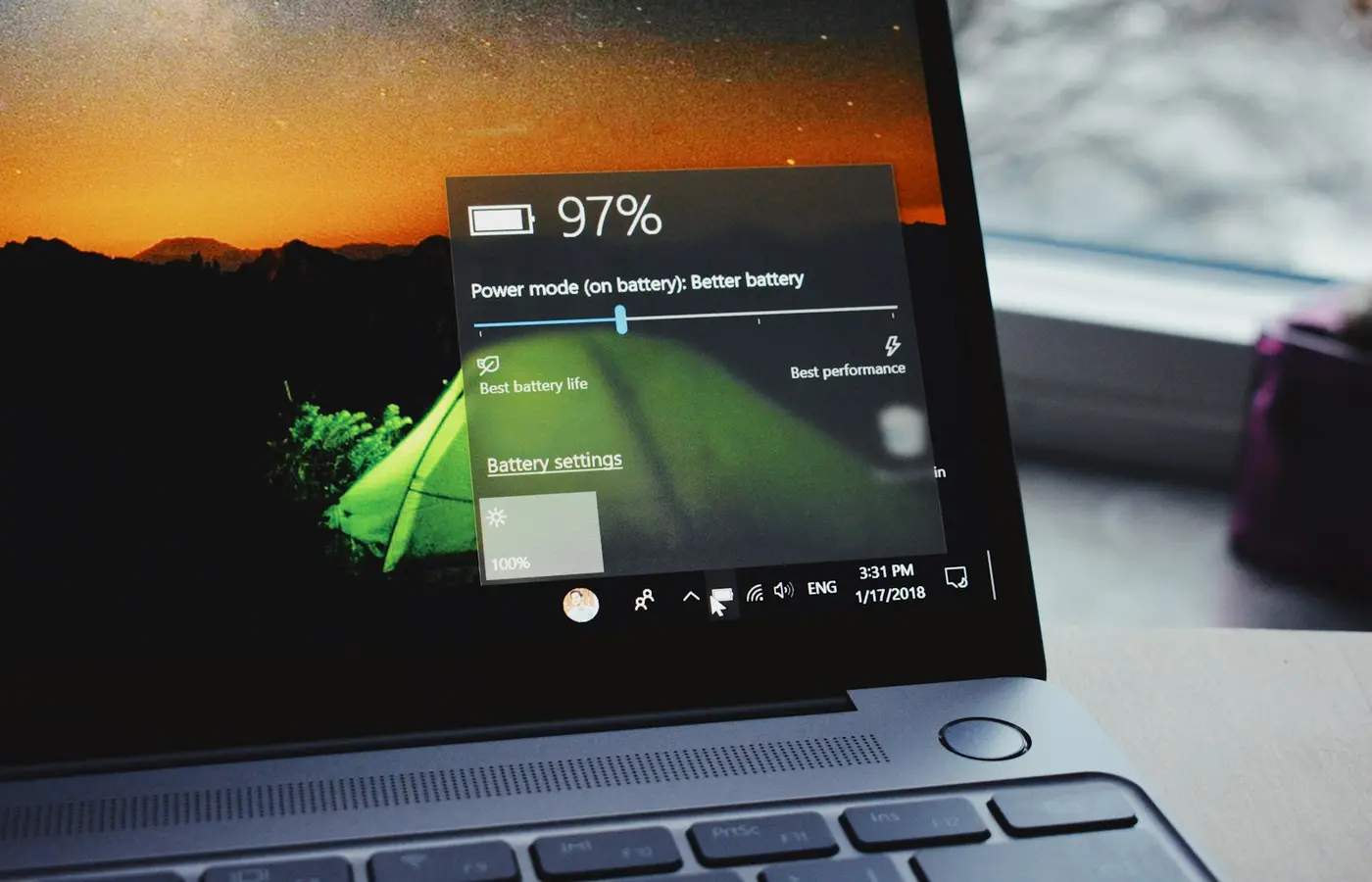
Learn when a laptop battery charge limit makes sense, how to find it on supported models, and how to verify it without confusing it with a repair.
 How-To
Learn how to verify whether a laptop has soldered or upgradeable RAM using its exact SKU, official specifications, and service manual.
 How-To
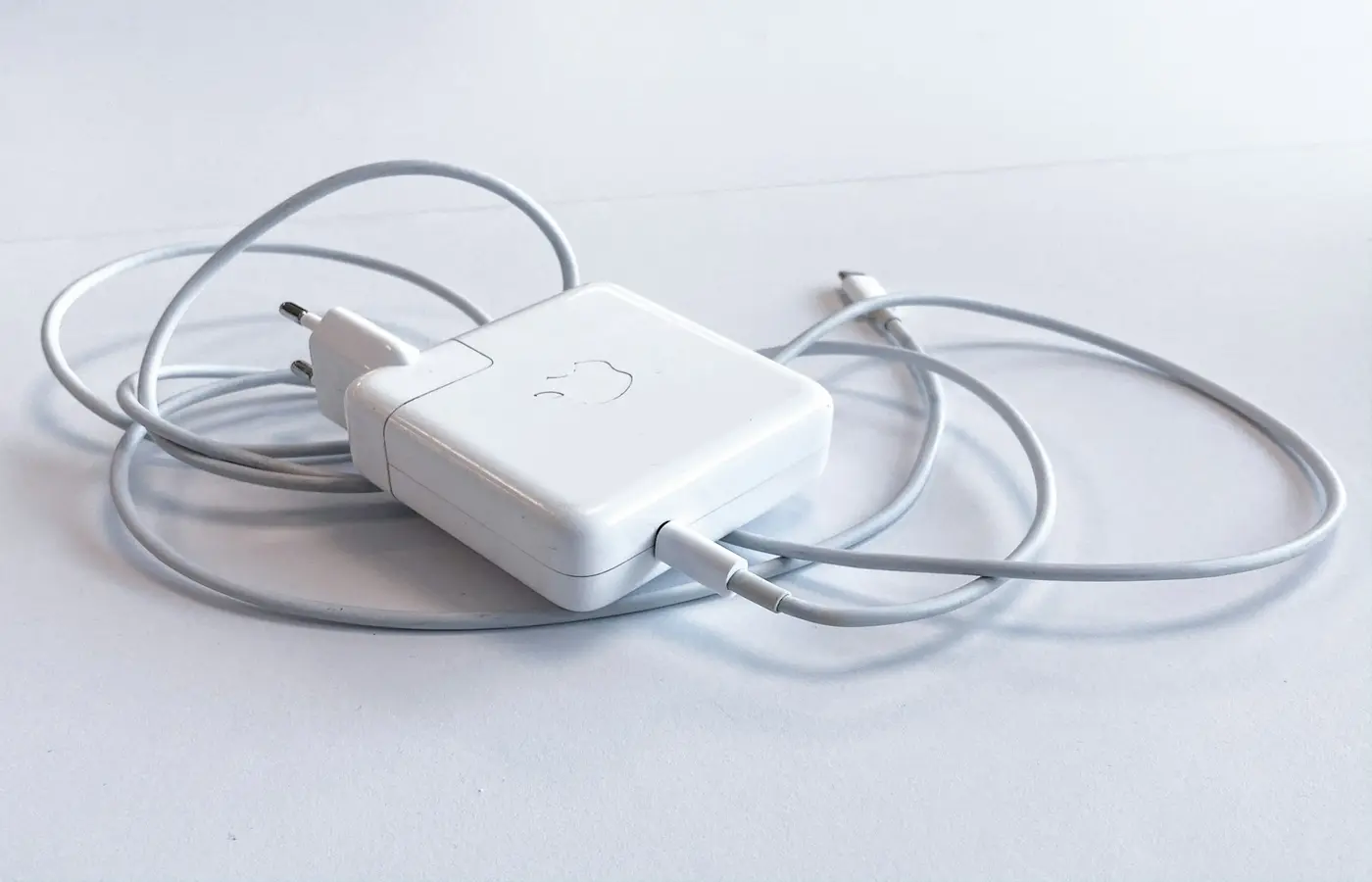
USB-C does not guarantee laptop charging. Learn how to verify Power Delivery support, charger wattage, cable capability, and safe replacement options.