MacBook Air M5 vs Dell XPS 13: 2026 Model Comparison
Compare the 2026 Apple MacBook Air M5 with Dell XPS 13 Intel 9350 and Snapdragon 9345 configurations without mixing processor generations.
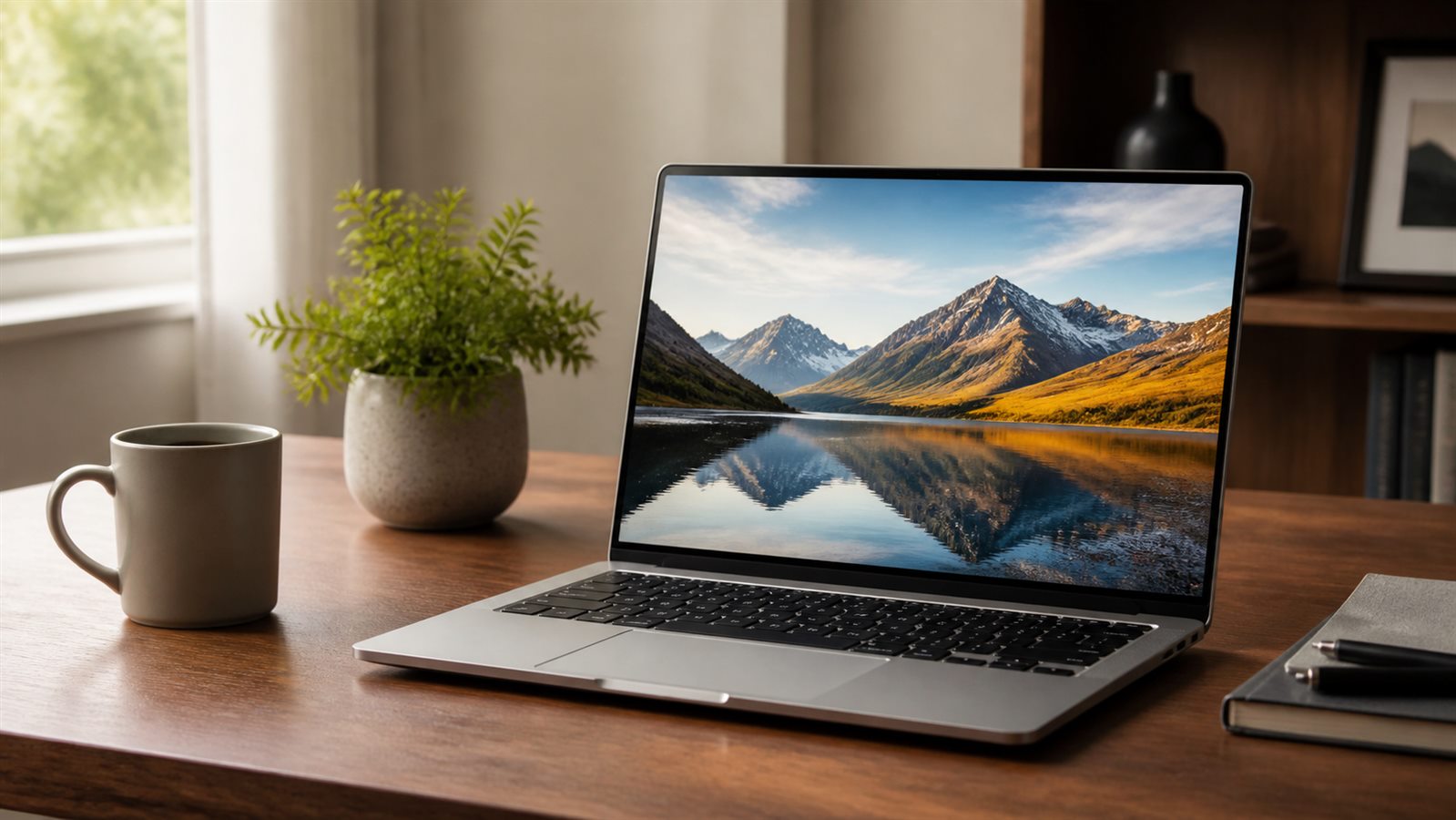
Verdict: the 13-inch MacBook Air M5 is the cleaner default for buyers comfortable with macOS. Choose the Dell XPS 13 for Windows, but decide first between the Intel 9350 and Snapdragon 9345—these are not interchangeable configurations. Skip both if you need built-in USB-A/HDMI, socketed memory, a discrete GPU, or easy internal expansion.
| Area | MacBook Air 13-inch M5 (2026) | XPS 13 9350 (Intel) | XPS 13 9345 (Snapdragon) |
|---|---|---|---|
| Platform | Apple M5, macOS | Core Ultra Series 2, Windows/Ubuntu options | Snapdragon X Elite, Windows on Arm |
| Base memory/storage documented | 16GB / 512GB | Configuration-dependent, integrated memory | Configuration-dependent, integrated memory |
| Display example | 13.6-inch 2560×1664 IPS, 500 nits | 13.4-inch 1920×1200 30–120Hz option | 13.4-inch 1920×1200 option |
| Ports | MagSafe, two Thunderbolt 4, headphone | USB-C/Thunderbolt-centric | USB-C/USB4-centric |
| Cooling | Fanless | Active cooling | Active cooling |
Apple’s M5 MacBook Air specifications identify the 2026 generation, 16GB starting memory, 512GB storage, IPS display, MagSafe, and two Thunderbolt 4 ports. Dell’s current product pages separately identify XPS 13 model 9350 with Intel Core Ultra and model 9345 with Snapdragon X Elite. This article compares those named platforms; it does not merge test results from older M-series Airs or other XPS generations.
Performance and software compatibility
For documents, browsing, calls, and mainstream development, all three can be fast enough. The decisive question is software. macOS offers Apple’s platform and media engines; Intel XPS provides conventional x86 Windows compatibility; Snapdragon XPS uses Windows on Arm, where application emulation is useful but specialist drivers, plug-ins, VPNs, and peripherals still require verification.
Do not choose from a generic benchmark chart. Compare the exact RAM, storage, power mode, and test version. If a required program publishes system requirements, follow those before any brand preference.
Display, ports, and desk setup
The Air’s standard IPS display avoids the battery and reflection trade-offs of optional OLED, while XPS configurations may offer different resolution, touch, and OLED choices. Our OLED versus IPS guide explains why the most vivid option is not always the best mobile-work panel.
Both lines are port-light. The Air’s MagSafe can preserve both Thunderbolt ports while charging; the XPS depends on its USB-C layout. Map every monitor and peripheral before ordering. If remote work is the goal, use the full remote-work laptop checklist, including dock and corporate support.
Memory, storage, and ownership
Memory is integrated, so choose capacity at purchase. Sixteen gigabytes fits mainstream work; heavier media, development, data, or VM use may justify more. See 16GB versus 32GB RAM for a measurement-led choice.
Service paths differ, but neither is a modular enthusiast laptop. Check the exact service manual, warranty, and local repair route. A premium exterior does not replace a plan for battery or keyboard service.
Who should buy each—and who should skip both
- Buy MacBook Air M5 for macOS, silent operation, MagSafe, and a predictable Apple hardware/software stack.
- Buy XPS 13 9350 for Windows x86 compatibility, Intel platform requirements, or Ubuntu configuration availability.
- Buy XPS 13 9345 for a Windows-on-Arm workflow whose apps and peripherals have been verified.
- Skip both for many built-in ports, upgradeable RAM, demanding GPU work, or the best repairability per dollar.
Conclusion
MacBook Air M5 wins for the broadest set of buyers who already accept macOS. XPS 13 wins only in the specific Windows lane you choose: Intel 9350 for conventional compatibility, Snapdragon 9345 for a verified Arm workflow. Compare current prices on the same day and at equal memory/storage; this article does not fabricate a fixed price winner.
Frequently asked questions
Is the XPS 13 Snapdragon the same as the Intel model?
No. They use different processor architectures, graphics, drivers, and software-compatibility paths. Confirm the model number before reading a review or ordering accessories.
Can the MacBook Air M5 drive external displays?
Apple documents external-display support, but the number and resolution depend on the exact model and operating conditions. Check the current Apple specification against your monitor setup.
Which is better for students?
The one that runs required course software. Start with the college laptop decision guide and ask the department about platform restrictions.