
Featured
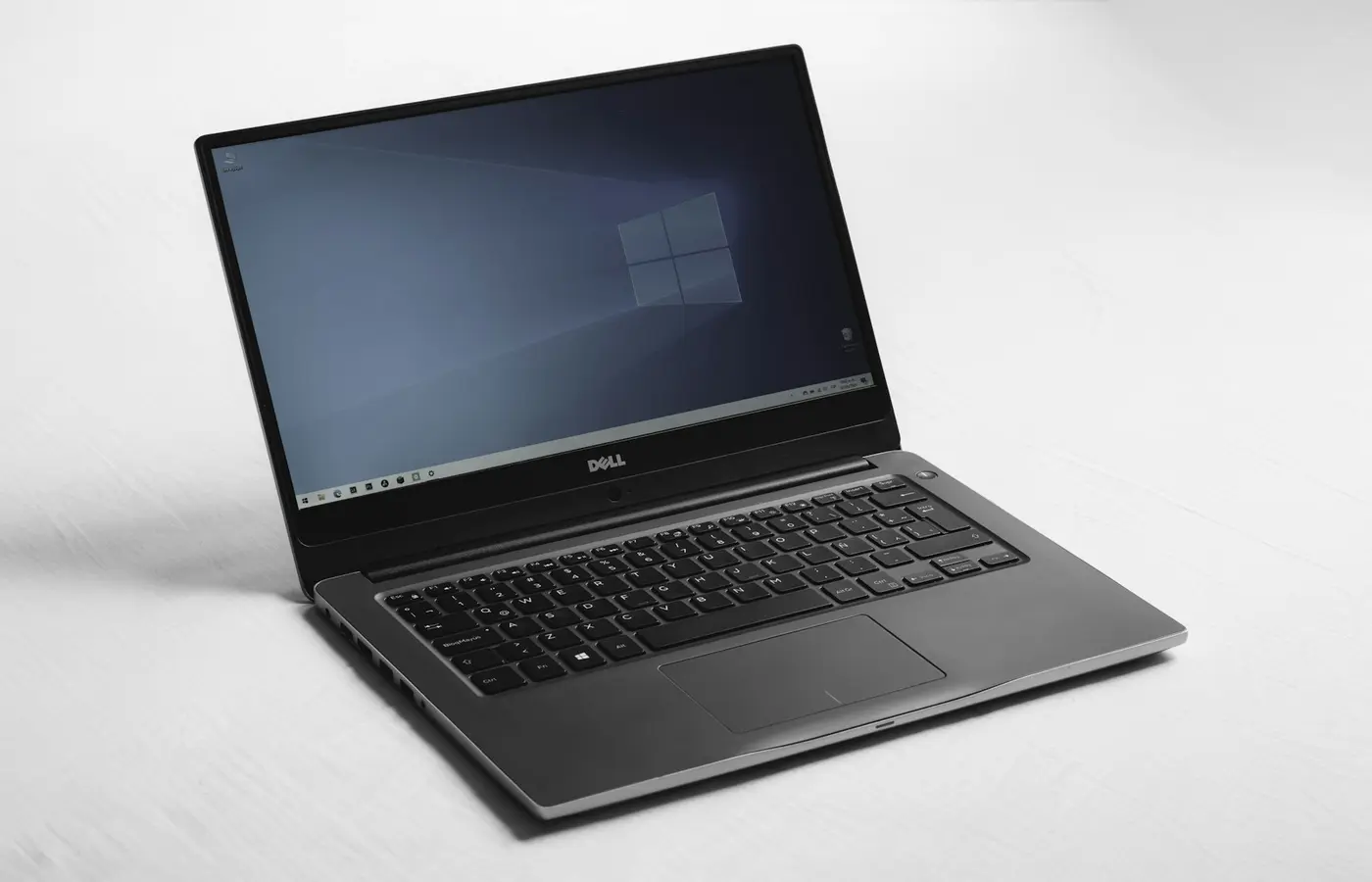
How to Check Linux Compatibility Before Buying a Laptop
Verify Linux support before buying: match the exact laptop SKU, wireless card, graphics, firmware path, and return policy.
Verify Linux support before buying: match the exact laptop SKU, wireless card, graphics, firmware path, and return policy.
 Buying Guides
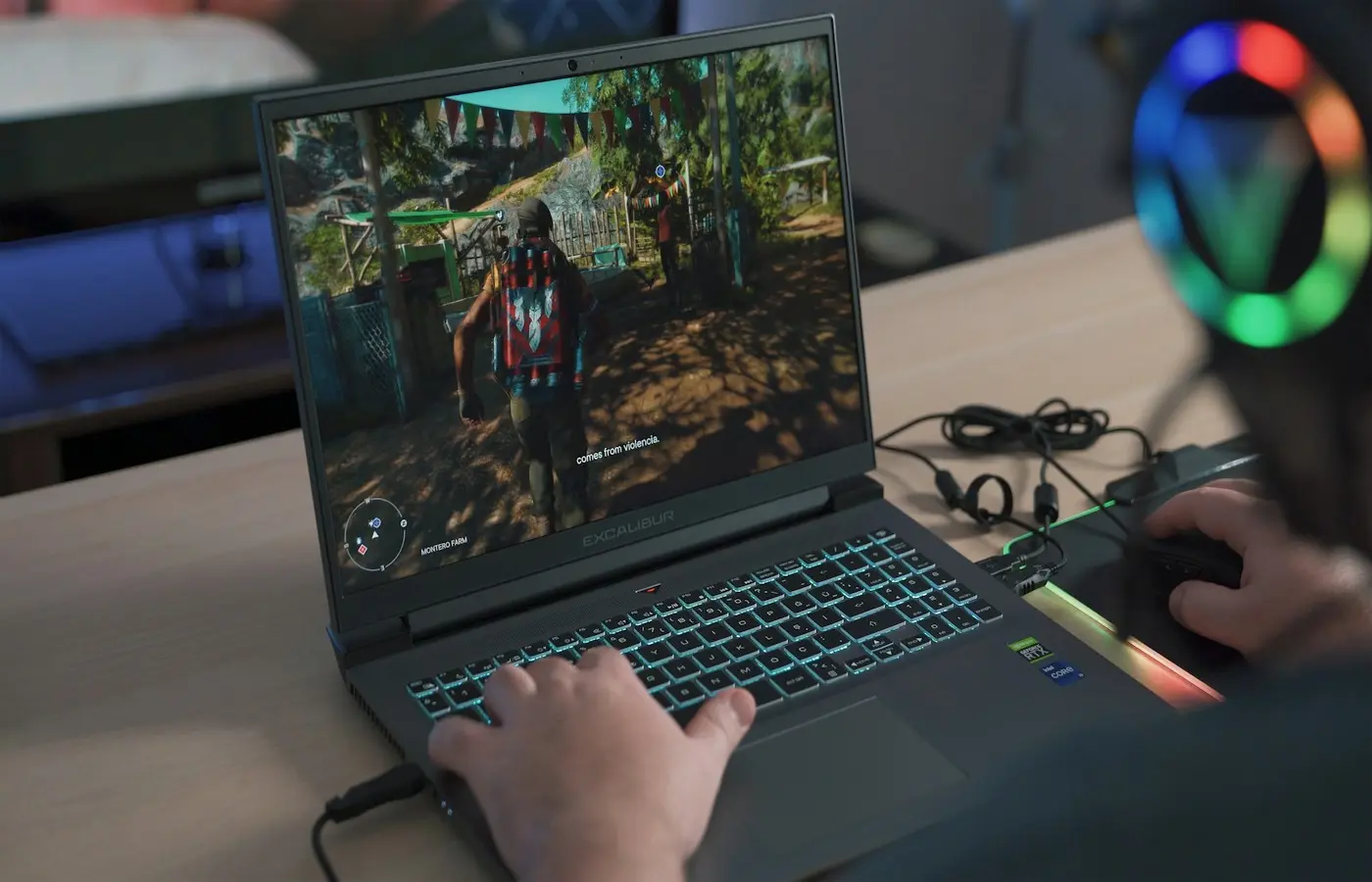
Find out when a 1440p gaming laptop makes sense by matching its display, GPU configuration, games, refresh-rate target, and scaling options.
 Buying Guides
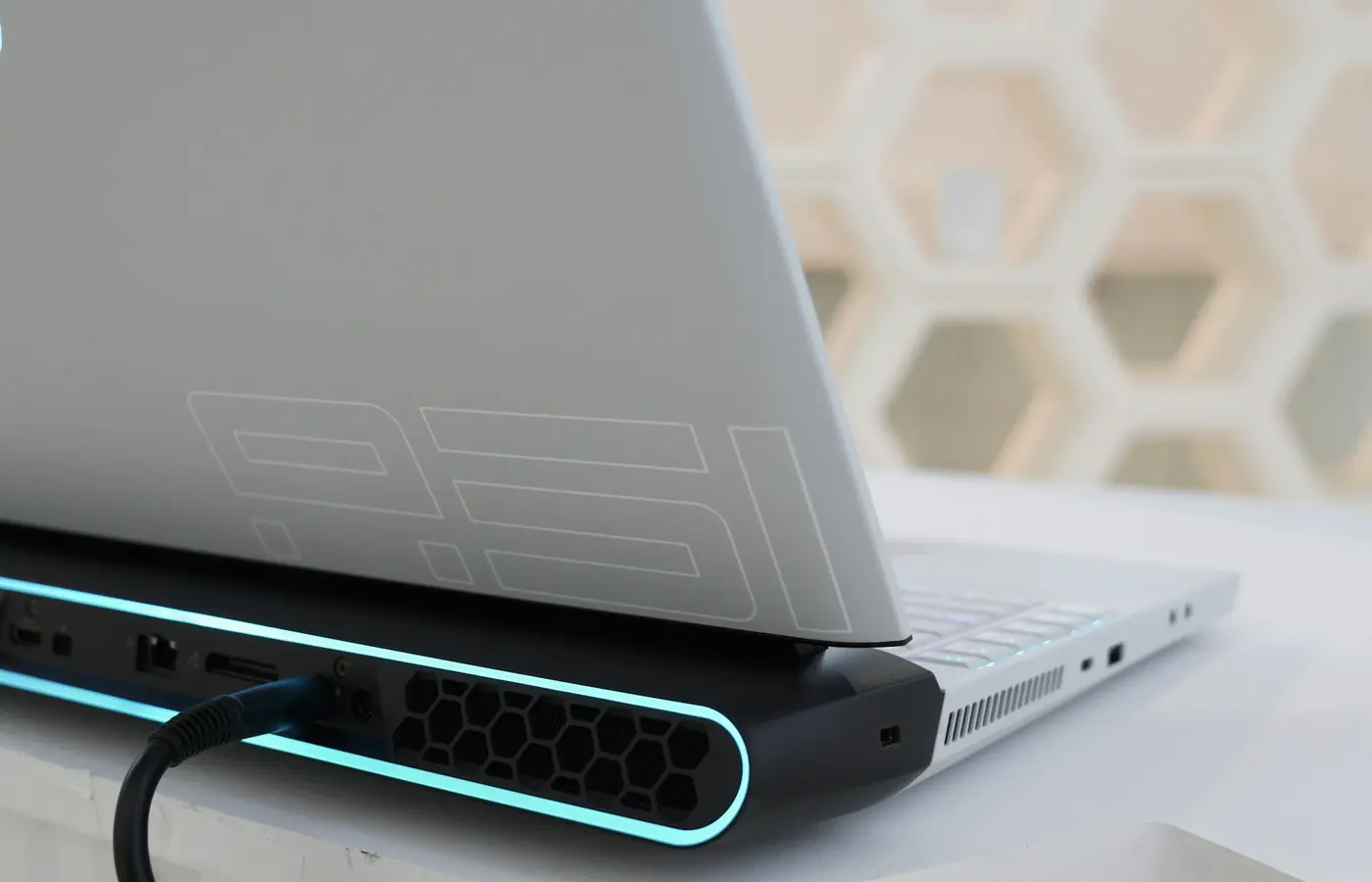
Learn what laptop GPU TGP means, why identical GPU names can perform differently, and how to compare gaming laptops before buying.
 Buying Guides
Choose Windows, macOS, or ChromeOS by checking the apps, files, peripherals, collaboration tools, and devices your work depends on.
 Buying Guides
Wi-Fi 7 can be useful, but only when your laptop, operating system, router, region, and workload support the same capabilities.
 Buying Guides
Check essential apps, drivers, peripherals, games, and workplace tools before buying a Windows-on-Arm laptop—or choose x86 instead.
 Buying Guides
Choose a laptop by workload, not badges. This guide explains how to balance CPU, RAM, storage, display, graphics, ports, portability, and ownership.
 Buying Guides
Use this laptop buying guide to match an exact SKU to your workload and verify hardware, display, ports, software, warranty, region, and price.
 Buying Guides
Choose a programming laptop by checking tool compatibility, RAM, Linux support, virtual machines, upgrade options, and external displays.