Lenovo Legion Pro 7i Gen 10 (16IAX10H) Research-Based Review
A source-based buyer analysis of the Lenovo Legion Pro 7i Gen 10 16IAX10H, with configuration checks and no invented hands-on measurements.
Pros
- Current RTX 50-series configuration family
- 16-inch performance-focused design
- Serviceable memory and storage options documented by model specifications
Cons
- Desktop-replacement size and power requirements
- Exact GPU, panel, memory, and regional SKU must be verified
- No Laptop Advices hands-on data
Editorial disclosure: this is a research-based buyer analysis. Laptop Advices has not tested a Legion Pro 7i 16IAX10H and holds no raw battery, benchmark, thermal, display, or acoustic data. Model facts should be checked against Lenovo’s official 16IAX10H specification sheet.
Verdict
The Legion Pro 7i Gen 10 is for a buyer who wants a current 16-inch RTX 50-series desktop-replacement gaming platform and accepts its physical and power demands. It is not a commuter recommendation. Buy after exact-model testing confirms the GPU power/cooling behavior you need; skip it for light travel, quiet office use, or when a desktop plus ultraportable is practical.
Do not mix Legion generations
“Legion Pro 7i” covers multiple years. This page is limited to Gen 10, model 16IAX10H. Older Gen 8/Gen 9 reviews may describe different CPUs, RTX 40 GPUs, cooling, displays, ports, firmware, and chassis details. Use the machine type and full part number.
| Item to verify | Why it changes the decision |
|---|---|
| Exact RTX 50 Laptop GPU and power | Performance, VRAM, heat, and adapter demand differ |
| CPU | Sustained creator and high-frame-rate behavior differs |
| Panel resolution/refresh/color | Determines gaming target and creative suitability |
| RAM layout/capacity | Gaming plus creation may justify 32GB+ |
| SSDs and empty slots | Game libraries consume substantial space |
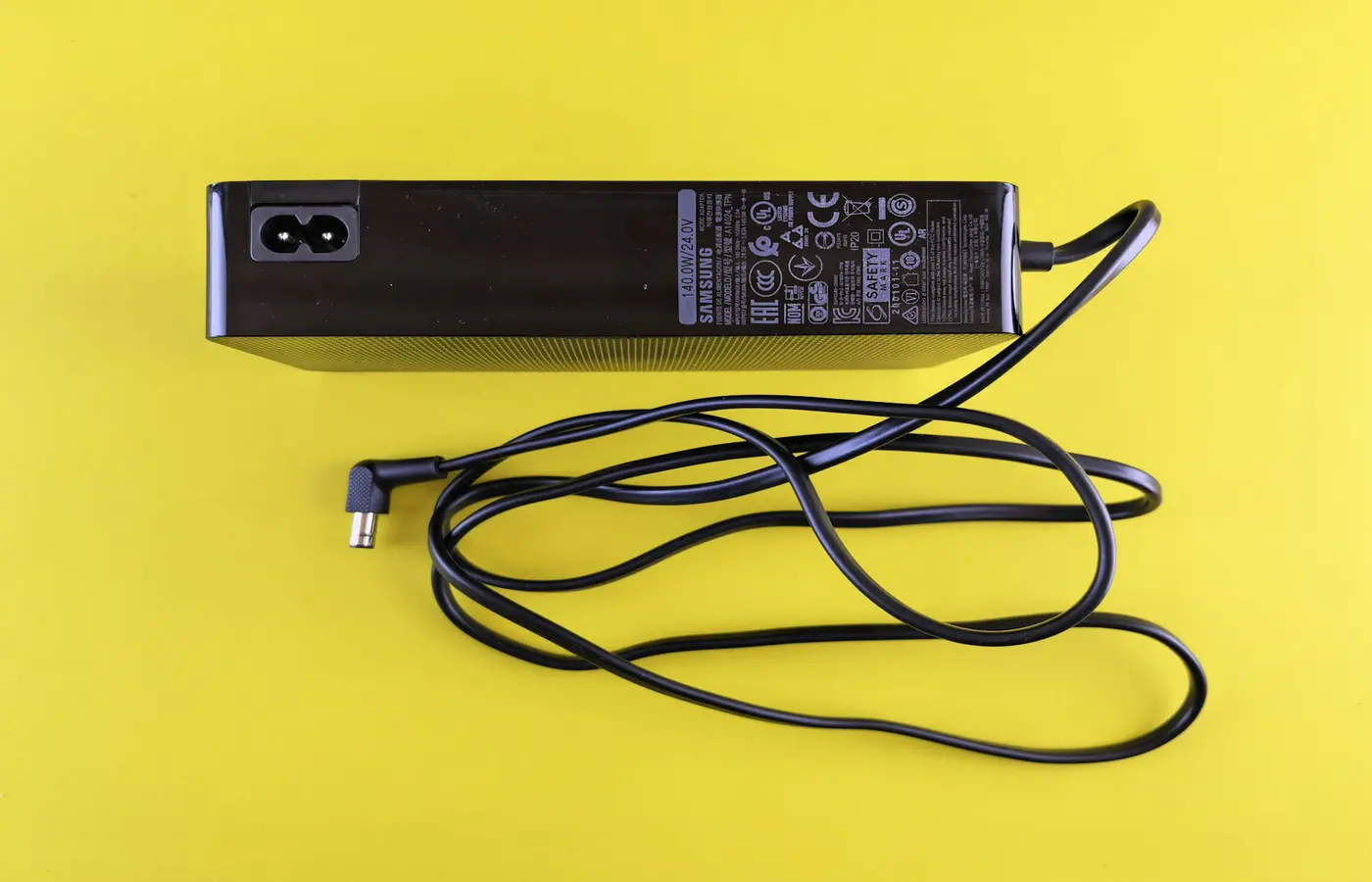
| Charger and total carry weight | Defines whether “portable” is realistic |
Who should consider it
The primary fit is a player who moves between desks and wants high-refresh 1600p-class gaming, or a creator whose applications use the selected NVIDIA GPU. NVIDIA’s current RTX 50 laptop family ranges widely in VRAM and subsystem power, so “RTX 50” alone is not enough. The 2026 1440p gaming guide explains which GPU tiers fit different goals.
Buyers should also verify whether a quieter balanced mode delivers sufficient performance. Maximum mode is not automatically the best daily mode when noise and power use matter.
Upgrade and service checks
Use Lenovo’s Hardware Maintenance Manual for the exact machine type before opening it. Confirm memory slots, SSD slots and supported drive sizes, battery-disconnection procedure, thermal shields, warranty, and retaining hardware. Our generic RAM and NVMe tutorials are compatibility frameworks, not substitutes for Lenovo’s model instructions.
What remains unverified
We do not publish a score, frame rates, battery hours, temperatures, noise, brightness, color accuracy, or keyboard impressions for this model. Those require a named independent tester and conditions or our own raw data. The proposed thermal protocol describes the minimum evidence for cooling claims.
Conclusion
Buy the Legion Pro 7i Gen 10 16IAX10H when its exact current RTX 50 configuration and independently tested sustained behavior justify a large mobile gaming system. Skip it when portability, quietness, unplugged work, or value against a desktop matters more.
Frequently asked questions
Is every Legion Pro 7i Gen 10 the same?
No. Regional part numbers can change GPU, memory, storage, panel, wireless, and operating system.
Is it good for 1440p or 1600p gaming?
Potentially, depending on the exact RTX GPU, power behavior, and game settings. Verify a test of the same configuration.
Did Laptop Advices test this laptop?
No. This page intentionally separates verified manufacturer specifications from unmeasured real-world behavior.