

Featured
How to Choose a College Laptop Around Course Software, Not Major Labels
Choose a college laptop by checking your actual course software, operating system, memory, storage, graphics, and support needs first.
Clear explanations of specifications and trade-offs before you spend.
Choose a college laptop by checking your actual course software, operating system, memory, storage, graphics, and support needs first.
 Buying Guides
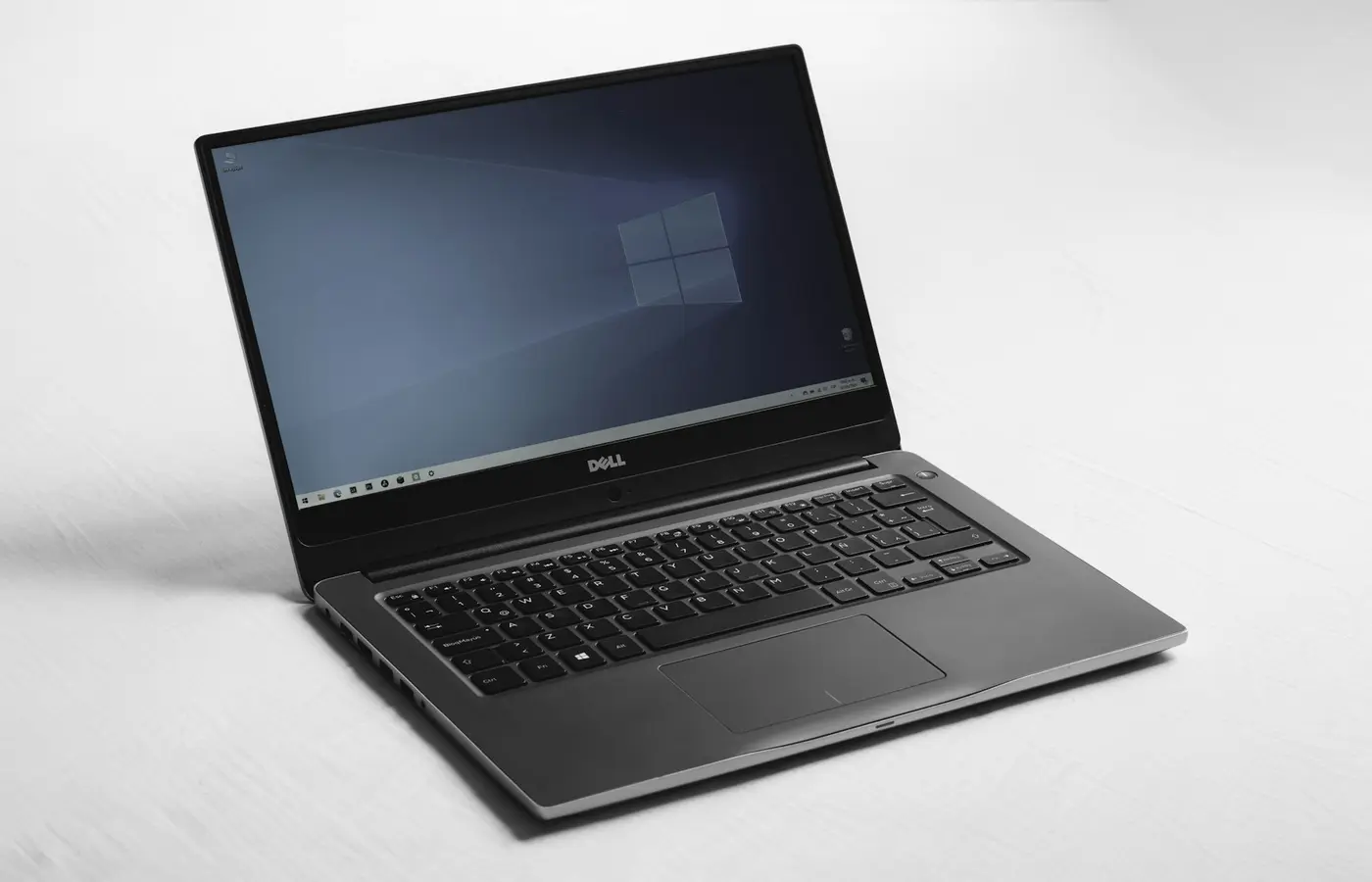
Choose a laptop configuration by workload, software, portability, repair needs, and verified SKU details—not badges, brands, or sale headlines.
 Buying Guides
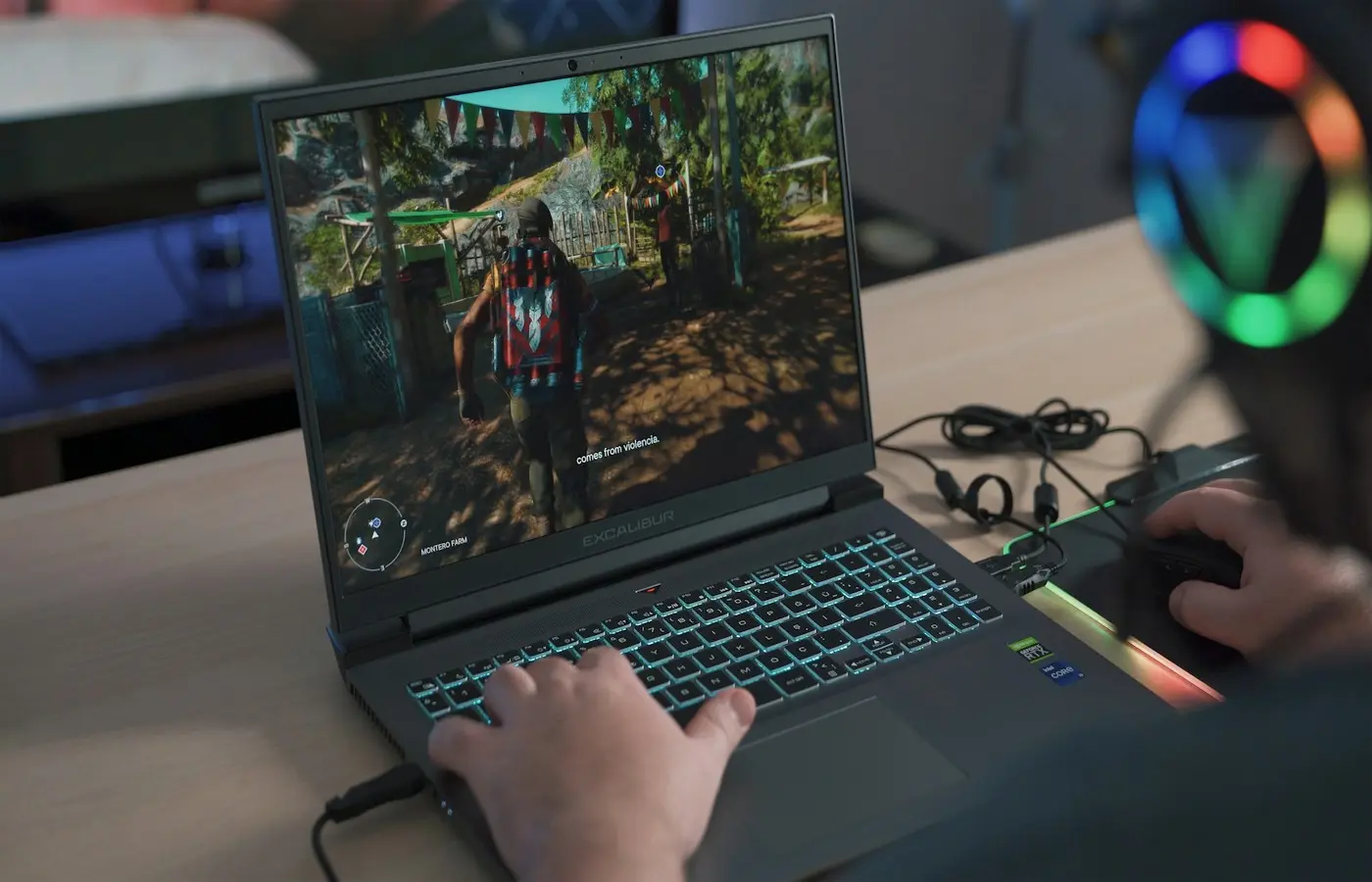
Verify Linux support before buying: match the exact laptop SKU, wireless card, graphics, firmware path, and return policy.
 Buying Guides
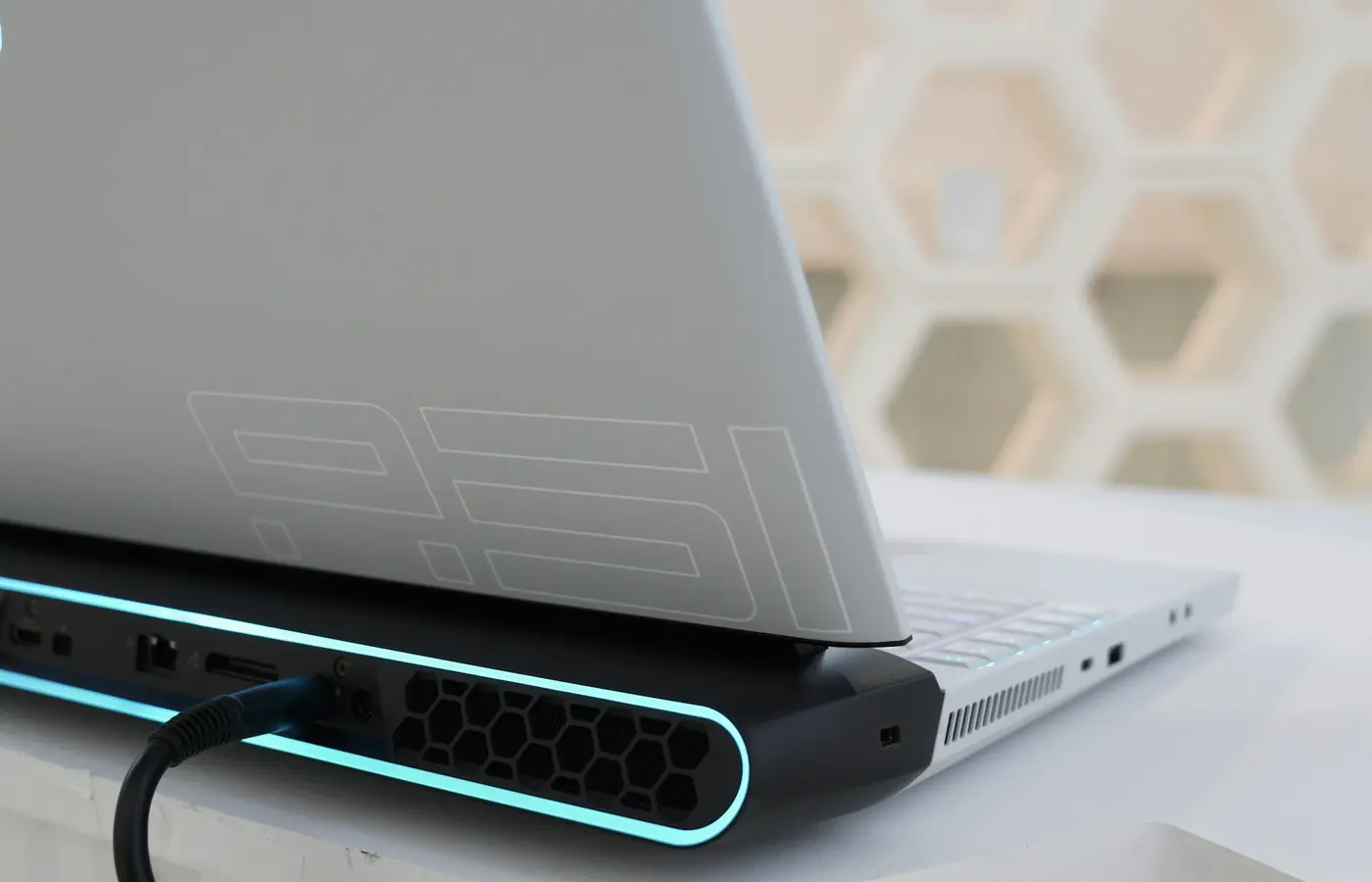
Find out when a 1440p gaming laptop makes sense by matching its display, GPU configuration, games, refresh-rate target, and scaling options.
 Buying Guides
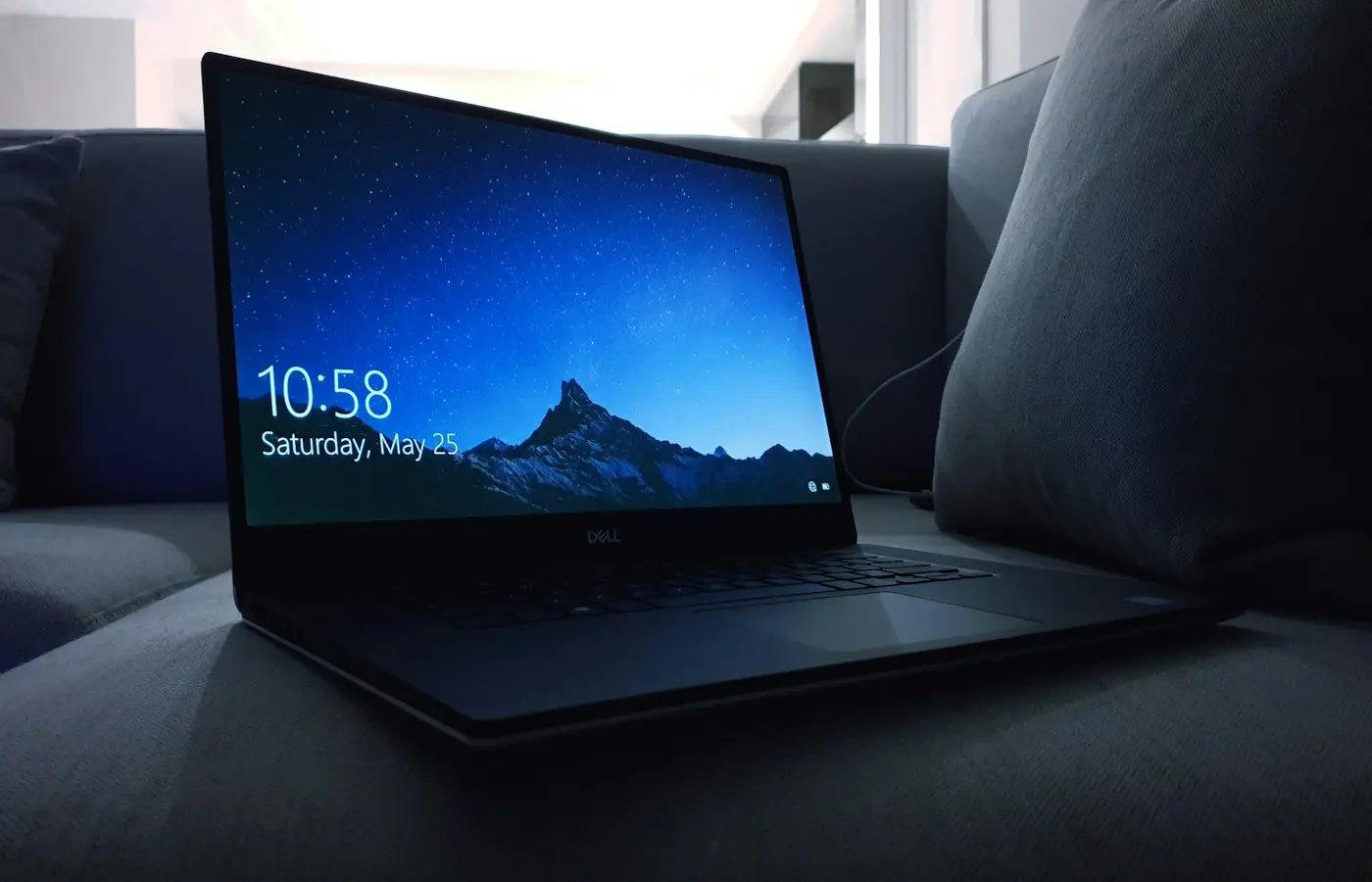
Learn what laptop GPU TGP means, why identical GPU names can perform differently, and how to compare gaming laptops before buying.
 Buying Guides
Choose Windows, macOS, or ChromeOS by checking the apps, files, peripherals, collaboration tools, and devices your work depends on.
 Buying Guides
Choose between OLED and IPS laptop displays by comparing contrast, office comfort, brightness, battery trade-offs, flicker, and long-term ownership risks.
 Buying Guides
Wi-Fi 7 can be useful, but only when your laptop, operating system, router, region, and workload support the same capabilities.
 Buying Guides
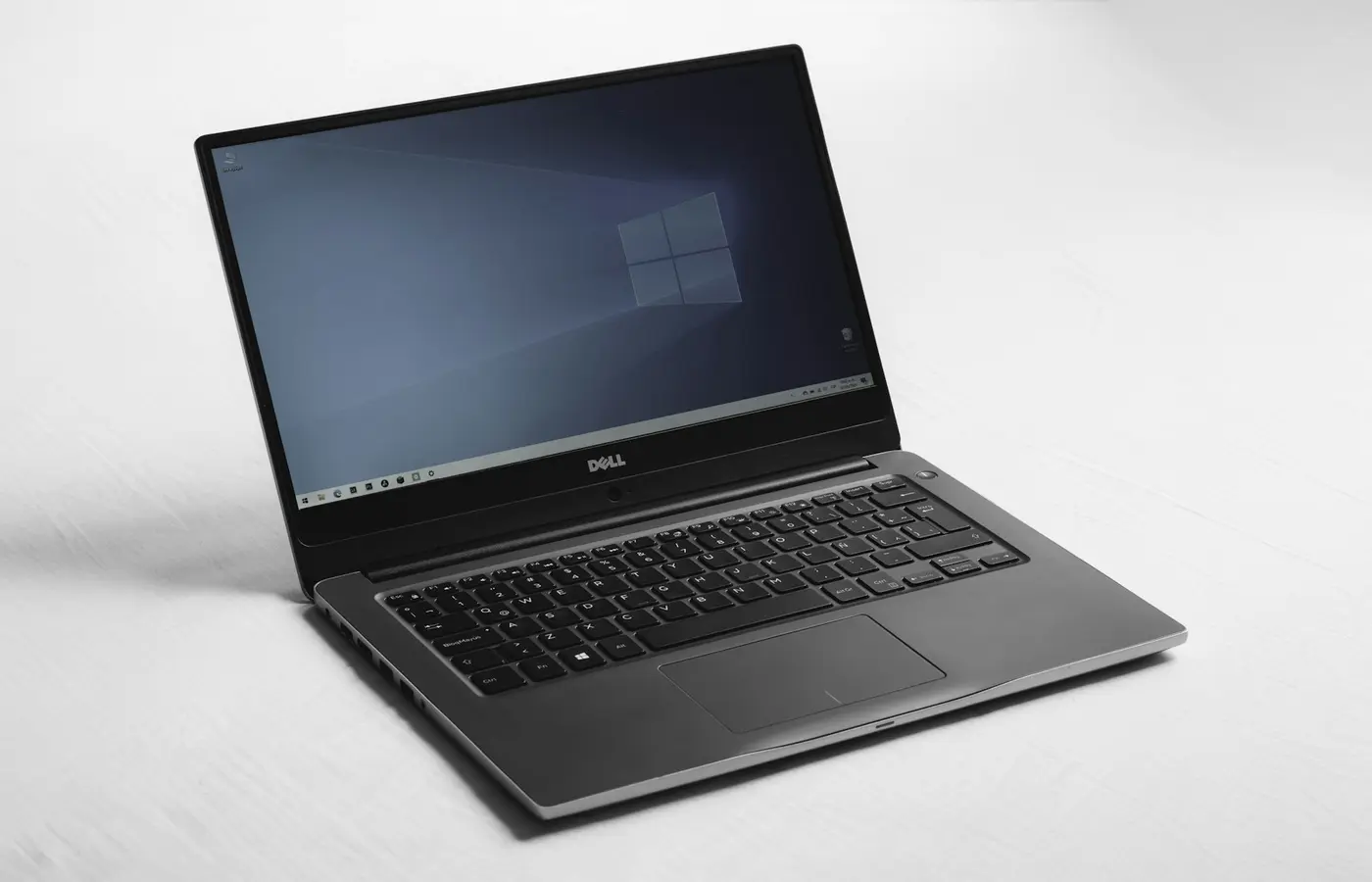
Check essential apps, drivers, peripherals, games, and workplace tools before buying a Windows-on-Arm laptop—or choose x86 instead.